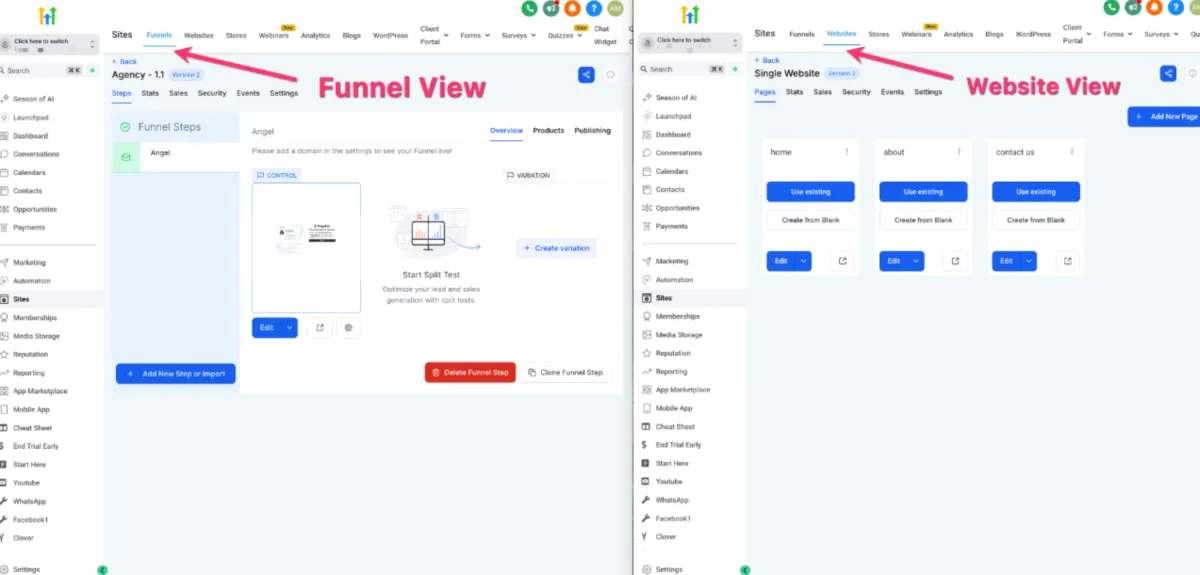
How to Manage Pages/Steps
🌐 Site Pages / Steps
📌 Step 1: Open Site Pages/Steps
1️⃣ Navigate to the Site Pages / Steps section.
2️⃣ This is where all your:
Website pages
Funnel steps
are listed.
👁️ Step 2: Manage Pages
1️⃣ From this section, you can:
Edit a page
Preview a page
2️⃣ Click on any page to open it in the builder.
🔄 Step 3: Navigation Flow
You will land on this page:
Before entering the Page Builder
After exiting the Page Builder
💡 This acts as your main navigation hub for your site.