How to Tracking Code and Custom CSS
📊 Tracking Code
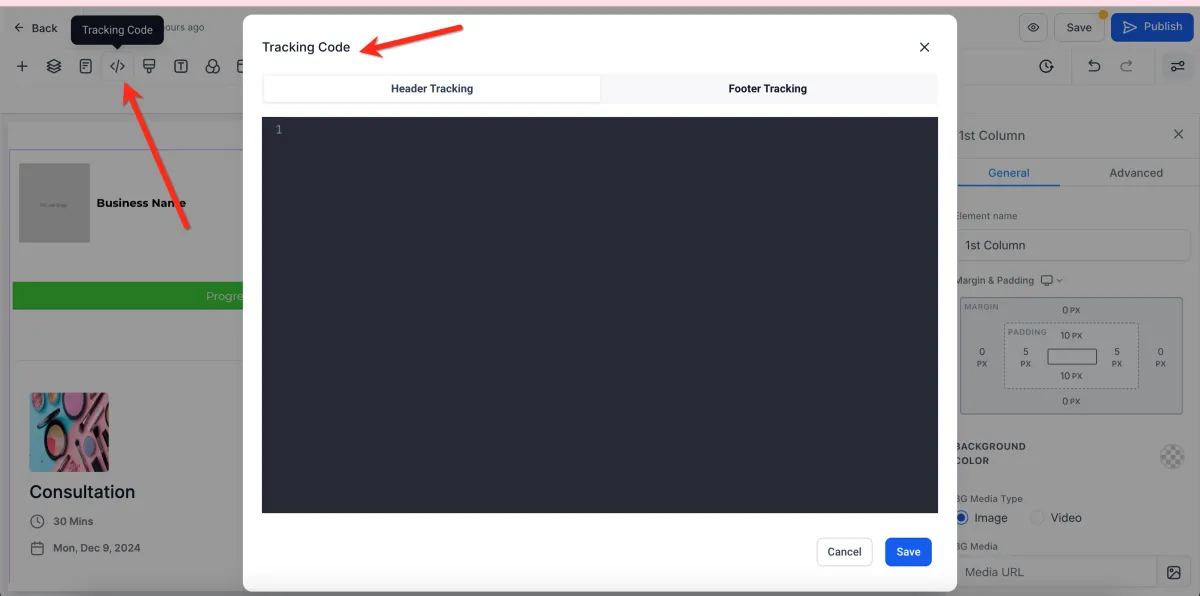
📌 Step 1: Open the Tracking Code Settings
1️⃣ Open your page in the Page Builder Editor.
2️⃣ Navigate to the Tracking Code tab in the builder settings.
3️⃣ This section allows you to manage tracking scripts.
🧩 Step 2: Add Your Tracking Code
1️⃣ Locate the input fields for:
Header Code
Footer Code
2️⃣ Paste your tracking script into the appropriate section.
Examples:
Facebook Pixel
Google Analytics
Third-party tracking scripts
⚙️ Step 3: Save Your Changes
1️⃣ After adding your code, click Save.
2️⃣ Your tracking code will now be applied to the page.
🎨 Custom CSS
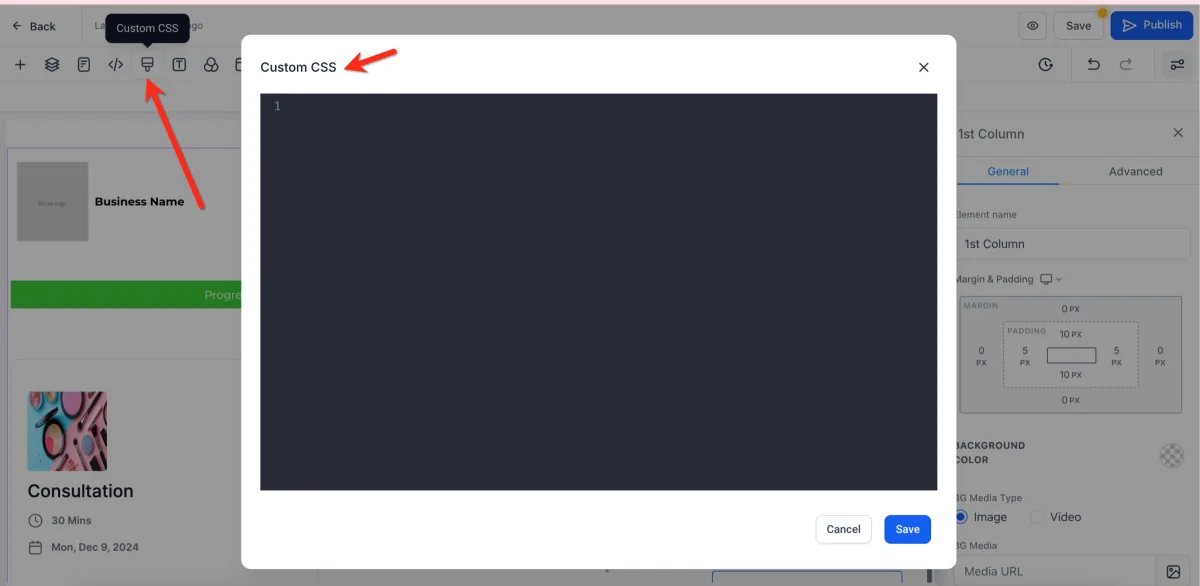
📌 Step 1: Open the Custom CSS Tab
1️⃣ In the Page Builder, navigate to the Custom CSS tab.
2️⃣ This section allows you to add your own styling code.
💻 Step 2: Add Custom CSS Code
1️⃣ Enter your CSS code into the editor.
2️⃣ This can be used to customize:
Design and layout
Fonts and colors
Spacing and responsiveness
💡 You may consult a developer if you need advanced styling.
⚙️ Step 3: Save and Apply Changes
1️⃣ Click Save after adding your CSS.
2️⃣ Your custom styles will be applied to the page.