How to Setup Business Profile
1️⃣ Log in to your LeadBossCRM account
2️⃣ Go to Settings at the very bottom of the screen, then tap Business Profile.
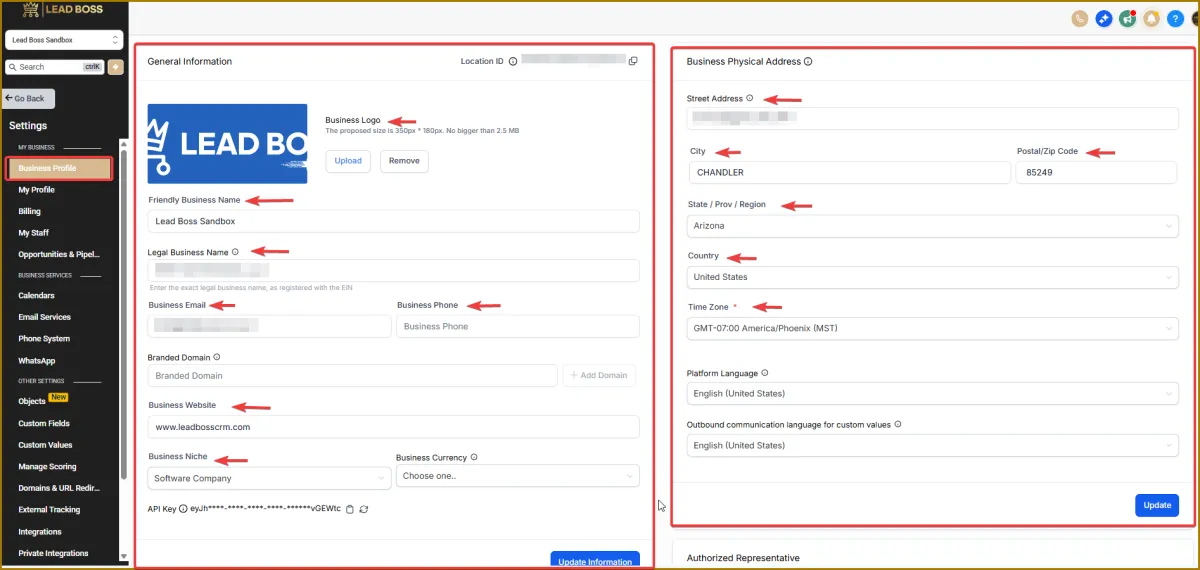
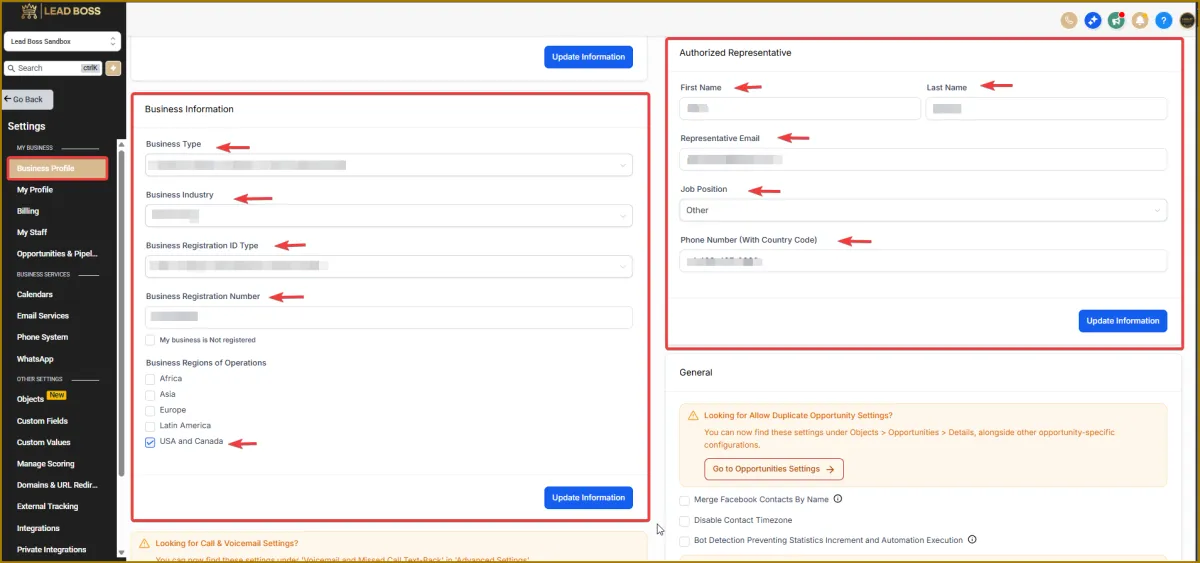
3️⃣ From here, complete the following sections:
General Information
Business Physical Address
Business Information
Authorized Representative
Note: All these details are kept private and confidential. They will remain inside your CRM and will not be shared.
Please fill out your: Legal Business Name Business Address EIN Make sure this information matches exactly as it appears on your IRS form.