How to Setup your Emails Templates and Campaigns
1️⃣ Log in to your LeadBossCRM account
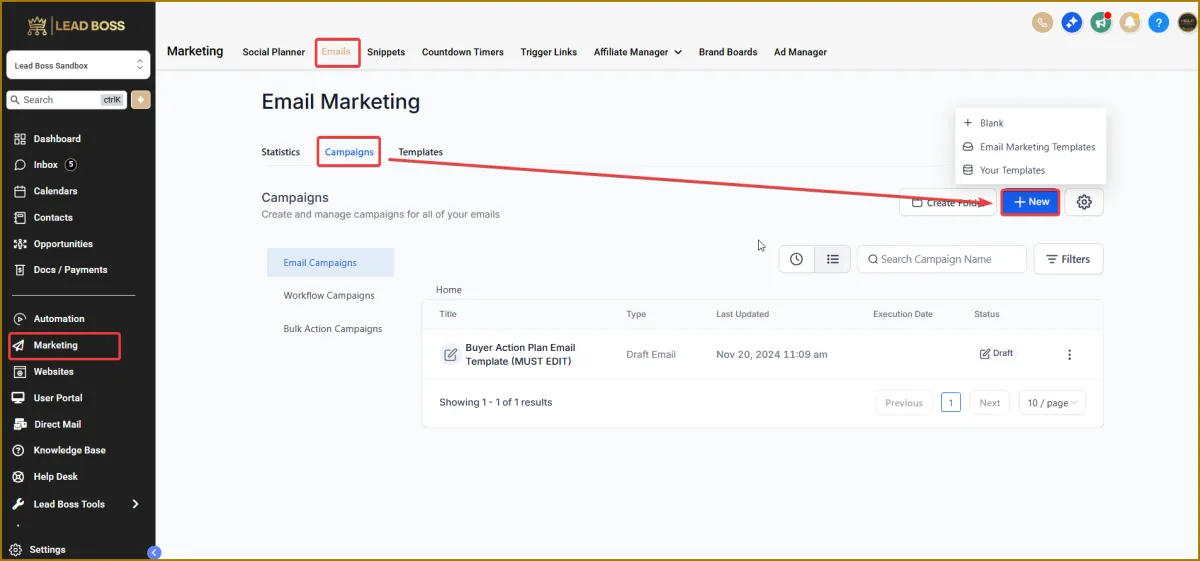
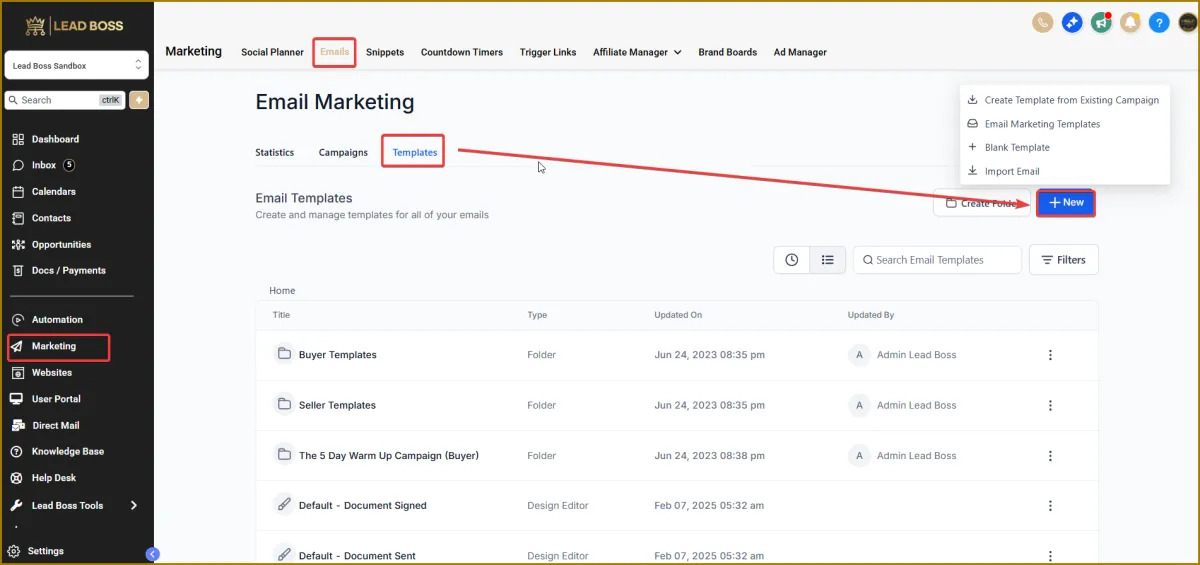
2️⃣ Navigate to your Marketing Tab
For Email Templates and Email Campaigns
The Email Marketing section has two main areas: Email Templates and Email Campaigns.
Email Templates are reusable layouts—similar to presets—that you can design for specific purposes (for example, a newsletter).
The Email Campaigns area is where you select a template, customize the content as needed, and schedule the email to be sent. You can send to an individual recipient, a smart list, or contacts grouped by tags.
You can also reuse previous campaigns by cloning them for a future send, while still keeping the ability to modify the email before it is sent.
3️⃣ Email Campaigns
Here you:
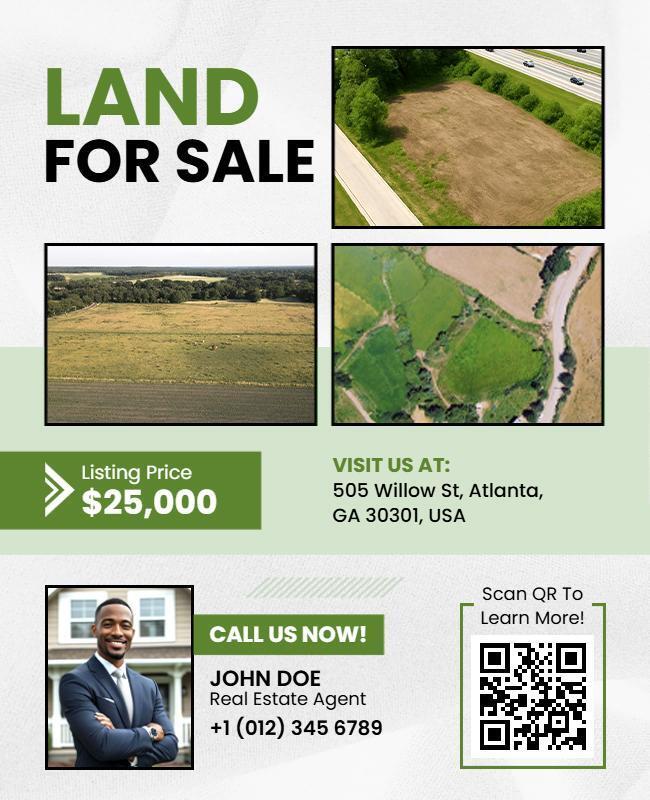
Fill in the specific parcel
Add real photos or maps
Enter the price & terms
Personalize the message
Select the buyers list
Send or schedule
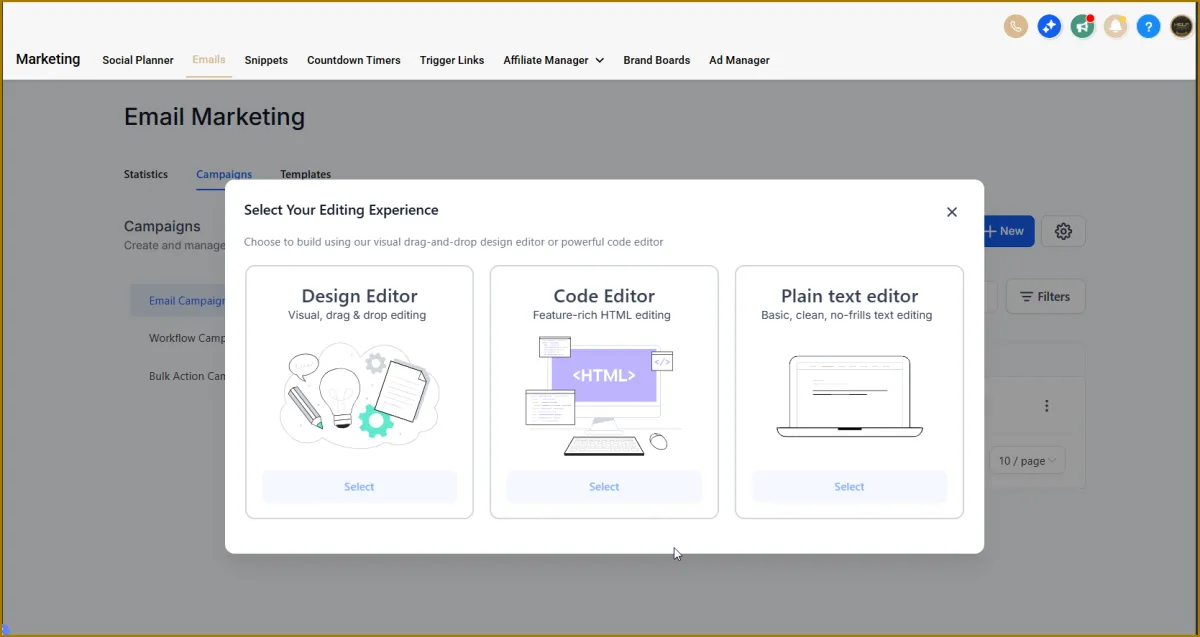
After you select a template, you'll design your campaign on top of the template layout. In Email Builder, you can duplicate, delete, and rearrange different types of element blocks quickly.
5️⃣ Email Templates
You can also create your own template to match your brand. You can insert regularly used images, videos, logos, or recurring content into your template, and reuse it for future campaigns.
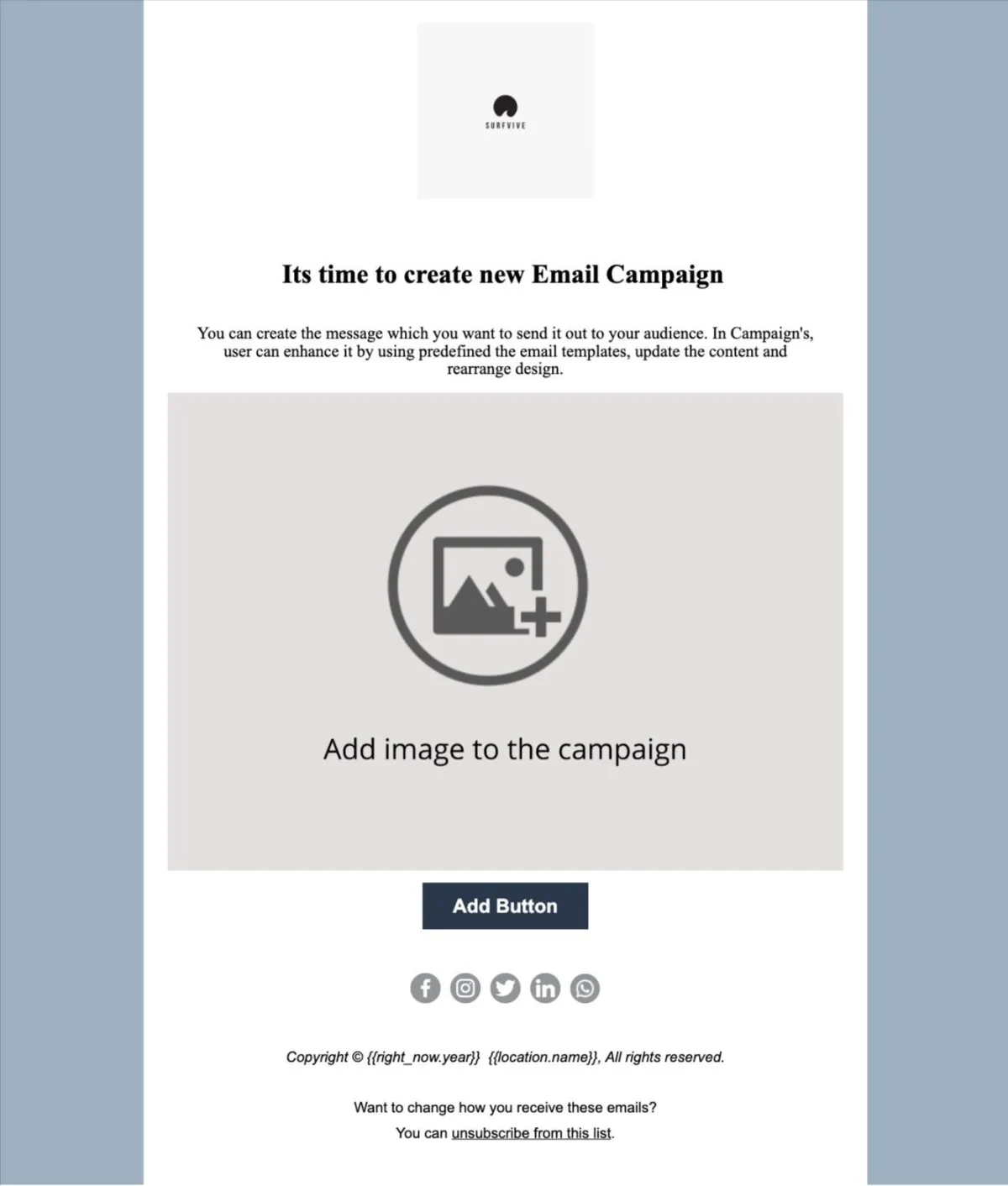
This is the reusable framework. It usually includes:
Your logo & branding
Header image area
Headline placeholder
Space for property details (acreage, county, APN, price)
Call-to-action button
Contact info
You save this layout and reuse it for every land deal.